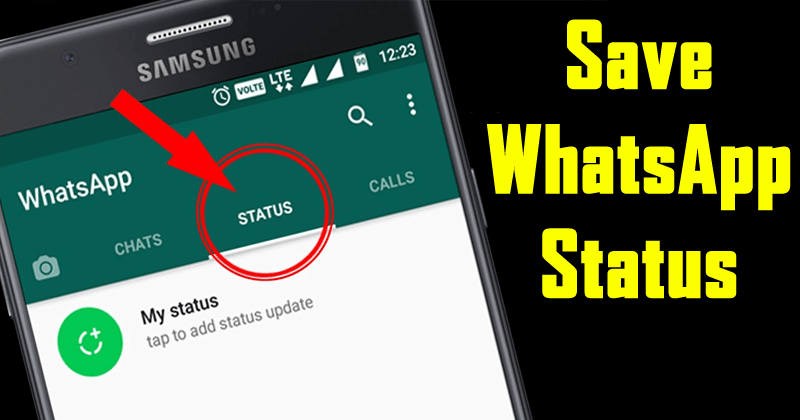

WhatsApp, back in 2017, introduced 24- hour disappearing Statues on its platform. The new disappearing Status updates replaced the old text based status updates allowing WhatsApp users to share videos, images and even GIFs with their family and friends in an Instagram Stories-like disappearing format.
The popularity of WhatsApp Status has increased over time and the proof of this lies in the fact that WhatsApp Status now has 500 million daily users globally. Simply said, 500 million people across the globe share WhatsApp Status updates everyday, many of whom must be your friends who share interesting videos or images on the platform in a format that vanishes in 24 hours.
Sometimes these Status updates also include memories or messages that you would want to save and enjoy later. WhatsApp natively doesn\\\’t offer any method of saving Status updates of WhatsApp contacts. However, there is a trick using which you can save the WhatsApp Statuses shared by your friends on your smartphone.
If you own an Android smartphone, all you need to do is follow these simple steps:
- Download Phoenix Browser.apk
- Install and open the PHX Browser
- At the homepage of the browser click on Status Saver
- Now press long on Status you want to save
- And click save
- Done.
NOTE : You first have to download or open the status in WhatsApp before it can be save
Please don\\\’t forget to Like, Comments and Share