
Easy… disable the apps ability to use
background data. Let me show you how to do that. Just follow these steps:
- Open up Settings on your device
- Locate and tap on Data usage
- Then click on your menu bottom
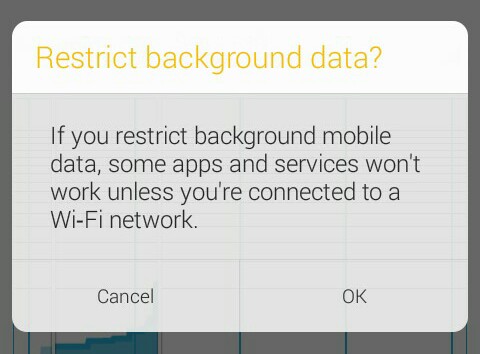
- Click on Restrict background data
- Enjoy.
- NOTE: If you restrict background mobile data, some apps and services will not work unless you are connected to WI-FI network.