
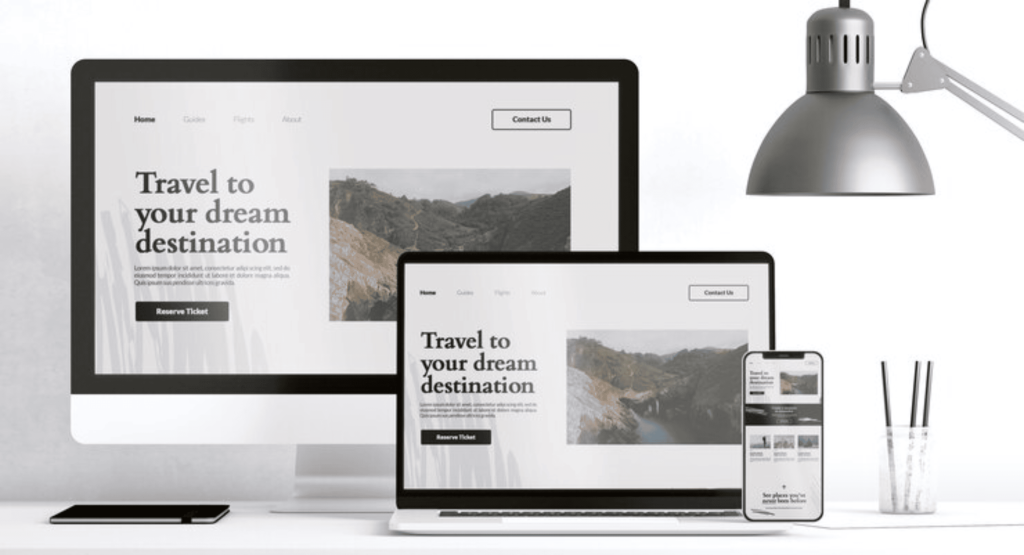
Creating a website in 2025 is easier than ever, thanks to powerful website builders. These tools allow beginners to design professional websites without needing coding skills. Whether you want to start a blog, open an online store, or showcase your portfolio, there’s a perfect website builder for you.
In this post, we’ll break down the Top 5 Website Builders to help you choose the best one for your needs
What Are Website Builders?
Website builders are online tools that let you design and launch websites using drag-and-drop features, templates, and simple customization options. Think of them as virtual building blocks—just select a design, add your content, and go live!.
Top 5 Website Builders in 2025
1. Wix
Why It’s Great for Beginners
Wix offers an easy-to-use drag-and-drop editor, perfect for anyone with no technical experience. With over 800 templates, you’ll find designs for blogs, businesses, and online stores.
Pros
- Super simple setup
- AI tools to create websites automatically
- A wide range of free and paid features
Cons
- Advanced customizations may require extra effort
- Premium plans can get expensive for eCommerce
Tip: Use Wix’s free plan to explore its features before upgrading.
2. Squarespace
Why It Stands Out
If you want a website that looks stunning, Squarespace is your best bet. Its templates are sleek and designed to impress.
Pros
- Beautiful, modern designs
- Built-in blogging tools
- Excellent for portfolios and small businesses
Cons
- Takes a little time to master
- Fewer templates than Wix
Example: Many photographers and designers love Squarespace because it makes their work look professional and polished.
3. WordPress.com
Why It’s a Popular Choice
WordPress.com is a beginner-friendly version of WordPress, perfect for blogs and content-heavy websites. It’s also scalable, meaning your site can grow with you.
Pros
- Free plans with plenty of features
- Thousands of plugins for customization
- Ideal for content creators
Cons
- The interface can feel overwhelming at first
- Some advanced features require paid plans
Pro Tip: Start with WordPress.com if you’re new, and consider moving to WordPress.org as your needs grow.
4. Shopify
Why It’s Perfect for eCommerce
Shopify is built for online stores. If you plan to sell products or services, this is the platform for you.
Pros
- Easy-to-use tools for selling online
- Secure payment gateways included
- Great customer support
Cons
- Not ideal for non-eCommerce websites
- Subscription costs can add up
Fun Fact: Shopify powers over 2 million online stores globally.
5. Webflow
Why Designers Love It
Webflow is a unique blend of a drag-and-drop builder and a coding platform. It’s perfect if you want full creative control over your website.
Pros
- Stunning design tools
- Excellent for animations and interactions
- Offers both no-code and low-code options
Cons
- Steeper learning curve for beginners
- Pricing can be higher than competitors
Who’s It For? Webflow is ideal for designers or agencies that want more customization than Wix or Squarespace offers.
How to Choose the Right Website Builder
Here are three simple questions to help you decide:
- What’s your goal? If it’s a blog, go with WordPress.com. For selling products, choose Shopify.
- What’s your budget? Wix and WordPress.com offer free plans to get started.
- How much time can you spend? For a quick setup, Wix or Squarespace are the easiest options.
Conclusion
Choosing a website builder in 2025 doesn’t have to be complicated. Each platform has its strengths:
- Wix for ease and variety.
- Squarespace for stunning designs.
- WordPress.com for blogging and growth.
- Shopify for online stores.
- Webflow for advanced creativity.
Take your time to explore these options and start building your dream website today! Which builder do you like the most? Share your thoughts in the comments below, or reach out if you have questions.