As technology advances, so do operating systems. Windows 11 is the latest version of the Windows operating system, released by Microsoft in October 2021. While Windows 11 is a great operating system, some users may find it too resource-intensive for their needs. That\’s where Tiny11 comes in. Tiny11 is a lightweight version of Windows 11 that is designed to run on low-end computers or devices with limited resources. In this blog post, we will explore the features of Tiny11 and how it can benefit users who need a lightweight operating system.
What is Tiny11?
Tiny11 is a stripped-down version of Windows 11 that has been optimized for performance and speed. It is designed to be lightweight and fast, making it an ideal operating system for low-end computers or devices with limited resources. Tiny11 is not an official Microsoft product, but rather a community-driven project that is constantly evolving and improving.
Features of Tiny11
- Lightweight: Tiny11 is designed to be lightweight and fast, with a small footprint that takes up less space on your computer\’s hard drive. This means that it can run on low-end computers or devices with limited resources.
- Privacy-focused: Tiny11 comes with privacy-focused features that are not available in the standard version of Windows 11. It has built-in tools that help protect your privacy and security, such as a firewall and anti-virus software.
- Faster Boot Time: Tiny11 has a faster boot time compared to the standard version of Windows 11. This is because it has fewer processes and services running in the background, making it quicker to start up.
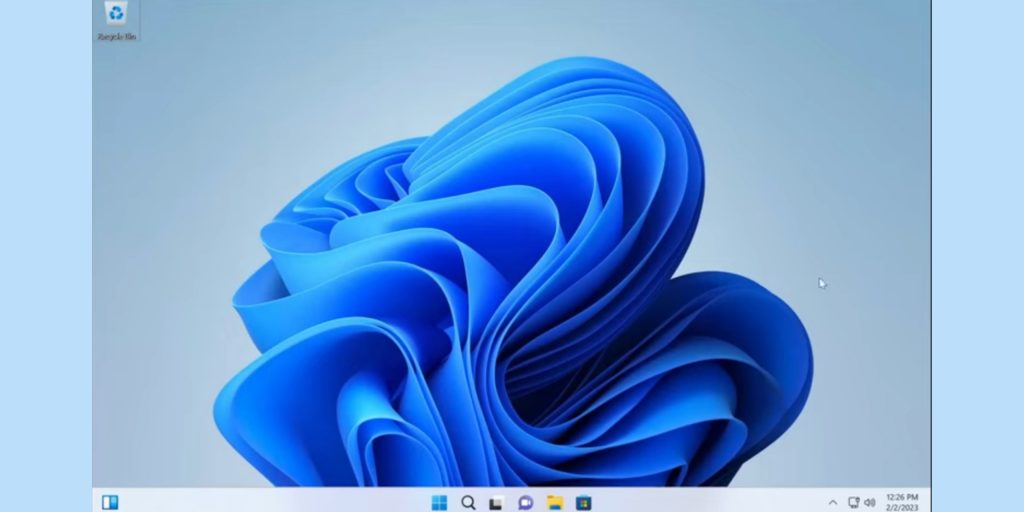
- Minimalist UI: Tiny11 has a minimalist user interface that is designed to be simple and easy to use. It has fewer icons and menus compared to the standard version of Windows 11, making it less cluttered.
- Free and Open-Source: Tiny11 is a free and open-source operating system that is constantly being updated and improved by the community. This means that you can download and use it without any licensing fees.
How to Download and Install Tiny11
Downloading and installing Tiny11 is a straightforward process. Here are the steps to follow:
Step 1: Go to the Tiny11 website and download the ISO file.
Step 2: Burn the ISO file to a DVD or USB drive using a program like Rufus.
Step 3: Insert the DVD or USB drive into your computer and restart it.
Step 4: Boot from the DVD or USB drive by pressing the appropriate key when prompted.
Step 5: Follow the on-screen instructions to install Tiny11.
Note: Make sure to backup your data before installing Tiny11, as the installation process will erase your hard drive.
PC specifications recommended for running Tiny11
- Processor: 1 GHz or faster with 64-bit architecture
- RAM: 1 GB or more (recommended: 2 GB or more)
- Hard disk space: 16 GB or more (recommended: 32 GB or more)
- Graphics card: DirectX 9 or later with WDDM 1.0 driver
- Display: 800 x 600 resolution or higher
Note that these are the minimum requirements, and for optimal performance, it is recommended to have higher specifications. Also, make sure to check the compatibility of your hardware with Tiny11 before installing it.
Disadvantages of Tiny11
While Tiny11 has several advantages, it also has some disadvantages that users should be aware of before deciding to use it.
- Limited Compatibility: Tiny11 is not compatible with all software applications and hardware devices, which can be a problem for some users. Some applications may not run properly or at all on Tiny11, and some hardware devices may not have drivers available for Tiny11.
- Limited Features: Tiny11 is a stripped-down version of Windows 11, which means that it lacks some of the features that are available in the standard version of Windows 11. For example, Tiny11 does not include some of the built-in applications that are included in Windows 11, such as Microsoft Edge browser, Cortana, and Windows Store.
- Limited Support: Tiny11 is not an official Microsoft product, which means that there is limited support available for it. Users may need to rely on community forums or online resources for help with issues or troubleshooting.
- Security Risks: Tiny11 is a community-driven project, and there is no guarantee that it is completely secure. Users should be cautious when downloading and installing Tiny11 from third-party sources, as there is a risk of downloading a version that has been modified or compromised.
- Lack of Updates: Tiny11 is not updated as frequently as the standard version of Windows 11, which means that users may not have access to the latest features and security updates. This could potentially put users at risk of security vulnerabilities and other issues.
Conclu!sion
Tiny11 is a great operating system for users who need a lightweight and fast operating system. It is designed to run on low-end computers or devices with limited resources, making it an ideal choice for those who want to extend the life of their old computers or devices. It also comes with privacy-focused features that are not available in the standard version of Windows 11. While Tiny11 is not an official Microsoft product, it is a community-driven project that is constantly evolving and improving. If you are looking for a lightweight and fast operating system, give Tiny11 a try.