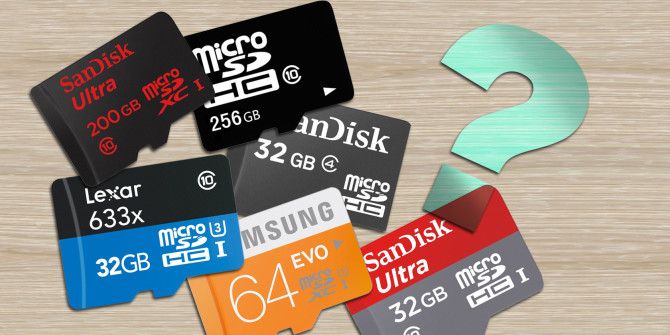
This method of unlocking SD card (memory card) only work in nokia Symbian phone such as C5, E5 and E63 etc
Follow the following steps to unlock your passworded memory
- On the phone
- Insert Memory card to the phone
- Now open Menu of the phone
- Open tools
- Open Memory
- Open option
- Click on Format Memory Card
- Now press Yes
- Wait for the format to finish
- Done
Note: All files stored in drive (SD card) will be gone(loss)
Please don’t forget to Like, Comment and Share