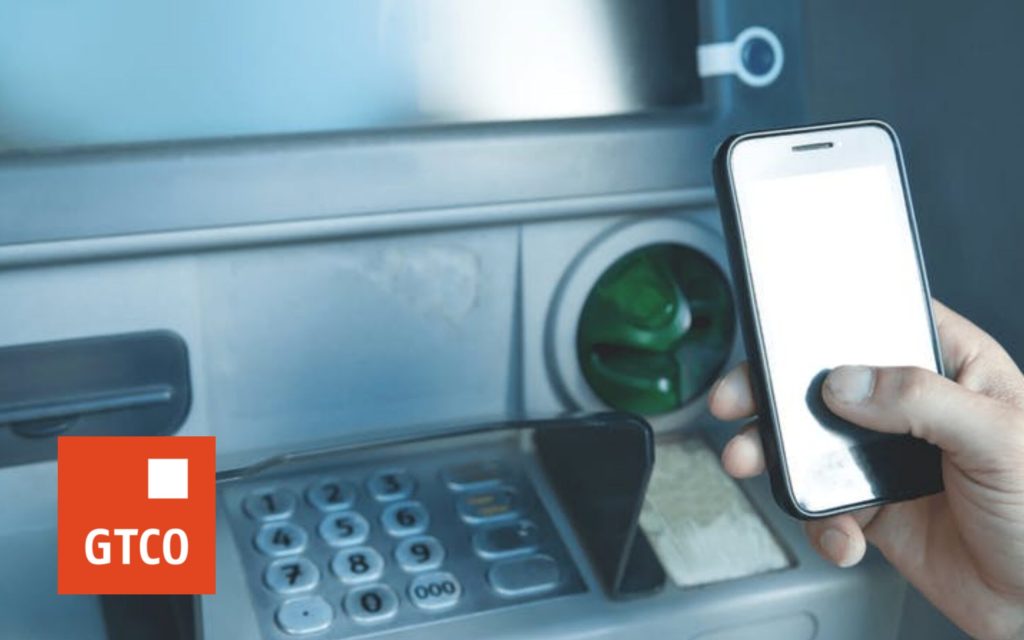
In this post I will be showing you how you can withdraw cash from the ATM Machine without using any ATM card in GT Bank
FIRST METHOD USING USSD CODE
1. Dial *737#
2. Input ”8” to select next page
3. Input ”1” to select cardless withdrawals
4. Input ”1” or “2” to select either “GTBank” or “Other Bank”
5. If Option is “Other Bank” then, enter “Terminal” as “1” or “2” to select “ATM” or “POS”
6. Input ”Amount”
7. Enter any 4 digit code to set your “Cash-Out PIN”
8. Enter your pre-selected 4 digits PIN to complete the cardless withdrawal request
NB: A reference code is immediately sent to your mobile phone via SMS and you can locate the
nearest ATM to make your withdrawals
SECOND METHOD USING MOBILE BANKING
1. Download the GT-World Application on your “Playstore” for Android phones, “Appworld” for
BlackBerry phones and “Applestore” for IPhone
2. Log on to Mobile Banking with your User ID and Password
3. Slide your finger on your Mobile phone to display outstanding menu items
4. Click “Cardless withdrawal” options on the “Banking” module
5. If you want to withdraw from a GTBank’s ATM machine close to you, click ” Cash out (GTBank
ATMs)” option
6. If you want to withdraw from any Other bank ATM, click ” Cash out (All ATMs & POS)” option
7. Complete the form displayed
8. Click “Continue”
9. Enter your “4 digit PIN” or “Token Code” and click “Done” to complete your request
NB: A reference code is immediately sent to your mobile phone via SMS and you can locate the
nearest ATM to make your withdrawals.
THREE METHOD USING INTERNET BANKING
1. Log on to internet banking with your User ID and Password
2. Click “Account Transfers”
3. If you want to withdraw from a GTBank’s ATM machine close to you, click ”Cardless withdrawal
(GT-Rescue)”
4. If you want to withdraw from any Other bank ATM, click ”Paycode (Cardless withdrawal)”
5. Complete displayed form with your “Names”, “Mobile number”, “Account to debit”, “Terminal
type” and “Cash-out amount” etc.
6. Confirm details captured are accurate and completed
7. Enter “answer to secret question”
8. Enter “Token code”
9. Click the “Submit“ button to complete your request
NB: A reference code is immediately sent to your mobile phone via SMS and you can locate the
nearest ATM to make your withdrawals.
NOW VISIT ANY ATM MACHINE GALLERY NEAR YOU
For GTBank’s ATM
1. Locate any GTBank ATM
2. Press “Enter” button on the ATM
3. Select the “Cardless Withdrawal(GT-Rescue)” option
4. Enter “Reference Code” received on your mobile phone
5. Enter “ Amount” (This should be same selected when initiating request on Internet Banking,
USSD, Mobile Banking)
6. Press “Enter “ button to proceed
7. Collect your Cash
For Other Bank’s ATM
1. Locate any Other Banks ATM
2. Press “Enter” button on the ATM
3. Select the “PayCode” option
4. Enter “PayCode number” received on your mobile phone
5. Enter pre-selected “Cash-Out PIN Number” selected on Internet Banking when initiating
request
6. Enter “Amount” (This should be same selected when initiating request on Internet Banking,
USSD, Mobile Banking)
7. Press “Enter “ button to proceed
8. Collect your Cash